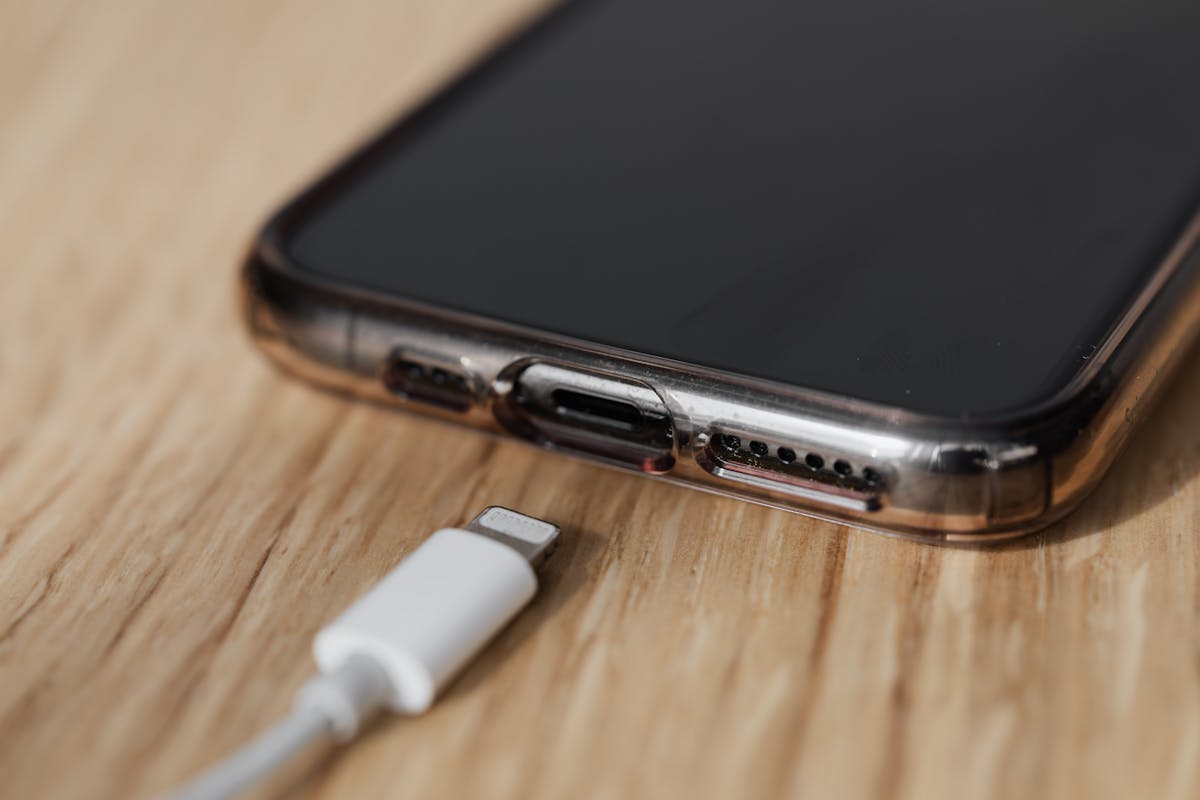
Your phone is plugged in, the battery is climbing slowly… and suddenly the back of the device feels like a hot pan. Sound familiar?
Mobile overheating while charging is one of the most common smartphone issues today — and it can make anyone nervous. After all, your phone holds everything: your chats, your photos, your money apps, your work.
The good news? Most overheating issues are completely fixable without visiting a repair shop.
Let’s break down the real reasons your mobile heats up during charging — and how you can cool it down safely.
Why Does Your Phone Overheat While Charging?
Imagine running a race while eating a full meal — your body would struggle. That’s what happens when your phone tries to charge and perform heavy tasks at the same time.
Here are the most common reasons:
- Faulty charging cable or adapter
- Using the phone while charging
- Gaming, streaming, or video calls
- High room temperature
- Background apps running nonstop
- Poor network signal
- Software glitches
- Damaged battery
- Fast charging generating additional heat
Most of these issues can be solved with simple adjustments. Let’s go step by step.
1. Stop Using the Phone While Charging
Yes, this one is obvious — but also the #1 cause.
If you’re watching videos, playing games, scrolling Instagram Reels, or on a long call while charging, the processor is working overtime.
This creates heat from two sides:
- Heat from charging
- Heat from CPU usage
💬 Real-life example:
A friend complained her phone “always overheated.” Later I found she charged it every night while watching Netflix. Once she stopped that habit, her phone stayed cool.
2. Use Original or Certified Chargers Only
Cheap or unbranded chargers don’t control power flow properly, and this can overheat your phone quickly.
Always use:
- Original manufacturer charger
- MFi-certified (for iPhones)
- BIS-certified (for Indian brands)
If your charger heats up more than your phone — that’s a red flag.
3. Remove the Phone Case While Charging
Phone cases trap heat like a winter jacket. Removing the case helps the heat escape faster.
Best practice:
- Remove case
- Keep the phone on a flat, cool surface
- Avoid charging on blankets, pillows, car dashboards
(Healthline notes that smartphones dissipate heat poorly when airflow is blocked.)
4. Close Background Apps
Apps running silently in the background keep the processor active.
Fix:
- Clear recent apps
- Disable auto-sync for apps you don’t need
- Turn off Bluetooth, Wi-Fi, or GPS if not required
For Android:
Settings → Battery → Background Usage → Restrict unused apps
For iPhone:
Settings → General → Background App Refresh → Turn Off (for non-essential apps)
5. Turn Off Fast Charging (If Overheating Is Frequent)
Fast charging = more power = more heat.
Many phones allow disabling fast charging:
Android:
Settings → Battery → Charging → Disable Fast Charging
Samsung:
Settings → Battery → More Battery Settings → Turn off Fast Charging
If your phone heats up too quickly, switching to normal charging can protect battery health.
6. Avoid Charging in Hot Environments
Charging your phone in high temperatures can cause severe overheating and reduce battery life.
Avoid:
- Charging in cars during summer
- Charging near windows under the sun
- Charging while phone is inside a backpack or purse
Even Wikipedia notes that lithium-ion batteries degrade faster in high temperatures.
7. Check Network Signal Strength
A weak network means your phone keeps searching for signal, which heats the device — especially during charging.
Fix:
- Switch to WiFi
- Turn on Airplane Mode while charging (if you don’t need calls)
8. Update Your Software
Smartphone updates often include:
- Thermal management improvements
- Bug fixes
- Battery optimization
Update steps:
Android: Settings → System → Software Update
iPhone: Settings → General → Software Update
9. Stop Unnecessary Battery-Draining Features
Turn off features you don’t need while charging:
- Hotspot
- Mobile data (if not needed)
- NFC
- Location services
- Always-on display
These reduce internal heat buildup.
10. Use Safe Charging Cycles
Overcharging or letting the battery hit 0% repeatedly can cause heating issues.
Best practice:
- Keep battery between 20%–80%
- Avoid overnight charging
- Use scheduled charging if available
11. Restart Your Phone (A Quick Heat Reset)
Restarting your phone clears processes that might be causing heating in the background.
When to restart:
- If phone becomes unusually warm while idle
- After installing an app update
- When switching networks frequently
12. Check for a Faulty Battery
If the phone heats even during normal charging with no apps running, the battery may be damaged.
Signs:
- Battery drains too fast
- Phone heats even while idle
- Battery bulging
- Sudden shutdowns
If you notice battery swelling, seek help immediately — swollen batteries can be dangerous.
(U.S. government agencies like NIST warn about the risks of damaged lithium-ion batteries.)
Advanced Fix: Reset Settings (Without Losing Data)
If the heating started after a recent update or app installation, resetting settings can help.
Android:
Settings → System → Reset Options → Reset All Settings
iPhone:
Settings → General → Transfer or Reset → Reset → Reset All Settings
This does NOT remove your files — just resets system preferences.
When to Visit a Technician
Seek professional help if:
- Phone overheats even when fully idle
- Heating began after physical damage
- Battery is swollen
- Phone shuts down randomly
- Charging stops automatically due to heat
A faulty charging port, battery, or internal short circuit may need repair.
Conclusion: Mobile Overheating While Charging Is Fixable
You don’t have to panic every time your phone gets warm during charging.
In most cases, the fix is simple: reduce usage during charging, use proper chargers, cool down the environment, and manage background tasks.
A cool phone lasts longer, performs better, and stays safer.
If you want, I can also write a short-format version of this blog for YouTube, Instagram, or LinkedIn.
🔗 External Resources:
Wikipedia – https://en.wikipedia.org/wiki/Lithium-ion_battery
Healthline – https://www.healthline.com/health/battery-health
NIST.gov – https://www.nist.gov/pao/lithium-ion-battery-safety