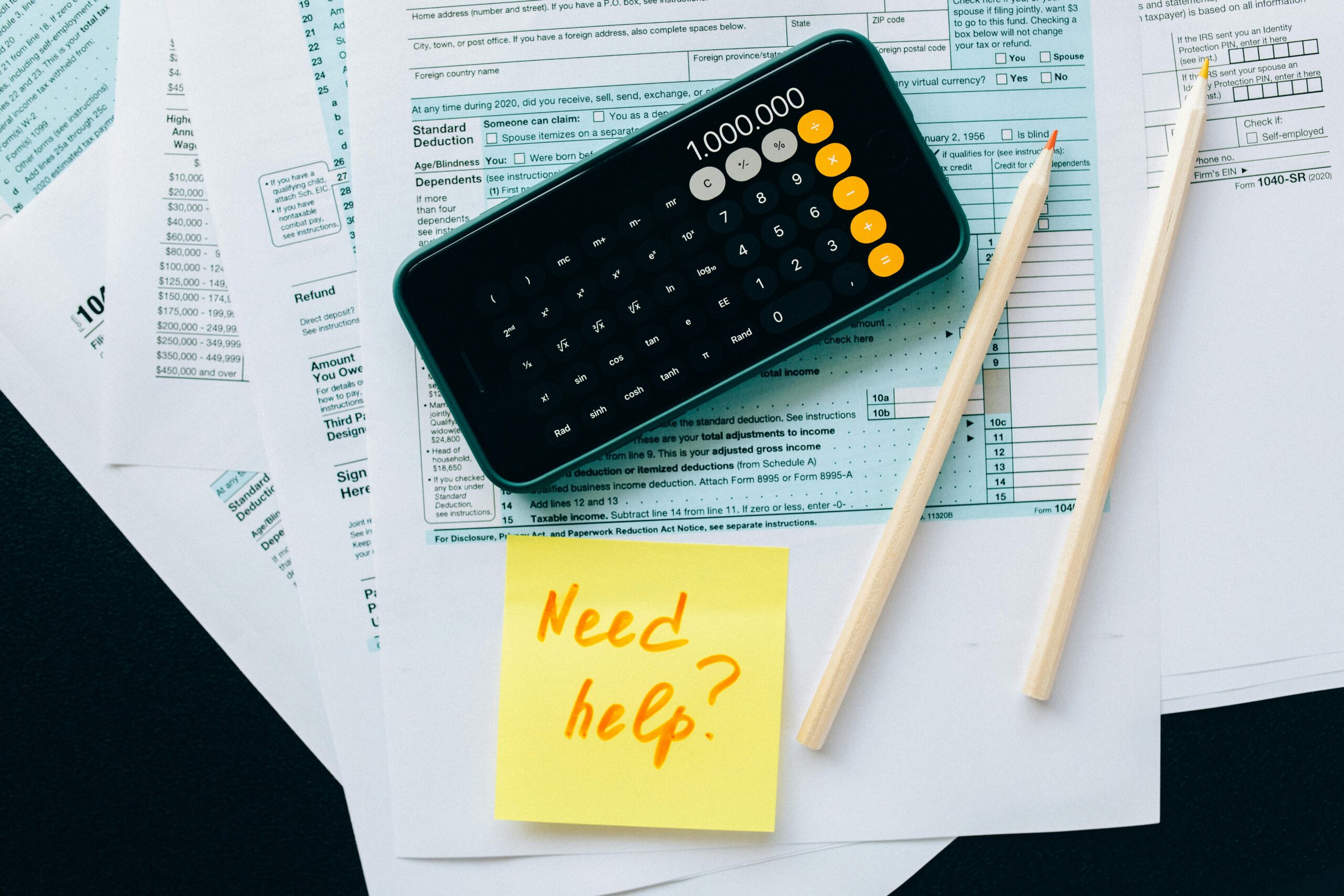
Why You Need a Budgeting App in 2025
In a world where money moves fast and expenses add up quietly, keeping track of your spending is more important than ever. Whether your income comes in dollars, rupees, euros or any currency, the principle stays the same: you can’t manage what you don’t measure.
That’s where smart budgeting apps come in. They automate tracking, categorize expenses, and give you clear visibility into where your money goes. For users who deal in INR (₹) or multiple currencies, many apps support currency options or manual input — making them ideal for global users.
In this post, we’ll explore top budgeting apps in 2025 (available on the Play Store) that work well for Indian users (and globally), how to pick one, and how to get started tracking every rupee smartly.
📱 Top Budgeting & Expense Apps for 2025 (Playable in INR / for Indian Users)
Here are some standout apps that many users in India and abroad use for budgeting, expense tracking, and financial control:
- Money Manager Expense & Budget
This app is widely used on Android and allows multi-currency support, category customization, recurring expenses, and detailed reports. Google Play - axio (previously Walnut / SMS-based tracker)
axio tracks your bank, credit card, wallet usage, bills, and helps you see exactly where your money is going — without manual effort. Google Play - Paisa: Manual Budget & Expense
For people preferring control, Paisa allows manual inputs, category tagging, and privacy (no automatic bank sync). Google Play - Goodbudget
Based on the “envelope” budgeting method, Goodbudget helps you allocate money in virtual envelopes for different spending categories. Google Play+1 - Spendee
Connects with bank accounts or lets you manually input expenses. It supports multiple currencies, shared wallets, and smart budget features. Spendee - Best Budget – Money Manager
A newer entrant that gives you tools to set budgets, see spending reports, and manage multiple budgets — ideal for tracking family or side projects. Google Play - YNAB (You Need a Budget)
Well-known globally for zero-based budgeting. Although primarily U.S./global based, many Indian users use it manually or via account import features. Wikipedia+1
These apps offer diverse features. Some auto-sync with banks, some prefer user input, some are minimalist, others are feature-rich. The key is to pick one that matches your style and stick with it.
🔍 How to Choose the Right Budgeting App
To pick an app that actually helps (and doesn’t become clutter), here are criteria to consider:
| Feature | Why It Matters | What to Check |
|---|---|---|
| Currency / Multi-currency support | You might have income or expenses in multiple currencies, or especially INR. | Can you select INR? Can you add manual entries? |
| Bank / account sync | Automates tracking so you don’t have to input everything manually. | Does the app connect with your bank (or region)? |
| Categorization & budgeting tools | Helps you see where your money goes and set spending limits. | Custom categories? Expense alerts? |
| Reports & insights | You need trends, monthly reports, comparisons. | Pie charts, weekly/monthly summaries, forecast tools. |
| Security & privacy | You’re giving financial data — safety is essential. | Encryption, offline mode, no selling data. |
| Ease of use & learning curve | A powerful app is useless if it’s too complex to use daily. | UI simplicity, tutorials, support. |
💰 How to Get Started: Track Your First ₹10,000
Let’s say your monthly income is ₹30,000. Here’s a simple step-by-step to begin with any of the above apps:
- Download & Setup
Install your chosen app, select currency (₹), connect bank or set manual input method. - Define Budget Categories
E.g. Rent, Food, Transport, Utilities, Entertainment, Savings, Miscellaneous. - Set Monthly Budgets
E.g. ₹7,000 for Food, ₹3,000 for Transport, ₹2,000 for entertainment, etc. - Record Expenses Daily
As soon as you spend — tea, grocery, ride — input it. The app lets you do it in seconds. - Review Weekly
Use reports to see categories where overspending is happening. Adjust mid-month if needed. - Set Goals & Alerts
Set a savings goal (₹5,000/month) or alert when spending in a category nears its limit.
Over a few months you’ll see patterns — maybe you spend too much on takeout or subscriptions. That insight is where budgeting becomes powerful.
✨ Benefits You’ll See Quickly
- Awareness — Suddenly, you know where ₹1,000 or ₹100 spent.
- Control — You can adjust categories (e.g. trim “wants”) before overspending.
- Savings boost — You’ll find ways to reroute money to goals.
- Financial confidence — You build discipline and clarity over time.
⚠️ Common Pitfalls & How to Avoid Them
- Skipping daily input — Use auto sync or reminders so you don’t skip logging.
- Overcomplicating categories — Too many categories lead to confusion. Keep it simple.
- Ignoring reports — Trends teach more than isolated entries.
- Switching apps too often — Commit to one for a few months to see real value.
- Relying fully on automation — Always check and review transactions to correct mis-categorization.
📌 Final Thoughts: Make Every Rupee Count in 2025
A budgeting app is more than a tool — it’s your financial co-pilot. It helps you catch spending leaks, plan for goals, and build healthy money habits. Whether you pick Money Manager, axio, Goodbudget, Spendee, or YNAB, the key is to use it consistently.
Start small. Record your first ₹1,000. Then ₹10,000. Soon, you won’t need to guess — you’ll know where your money goes.
Would you like me to create a comparison table (features vs pricing vs pros & cons) of these apps so you can decide easily? Or even a mock tutorial for one of them?